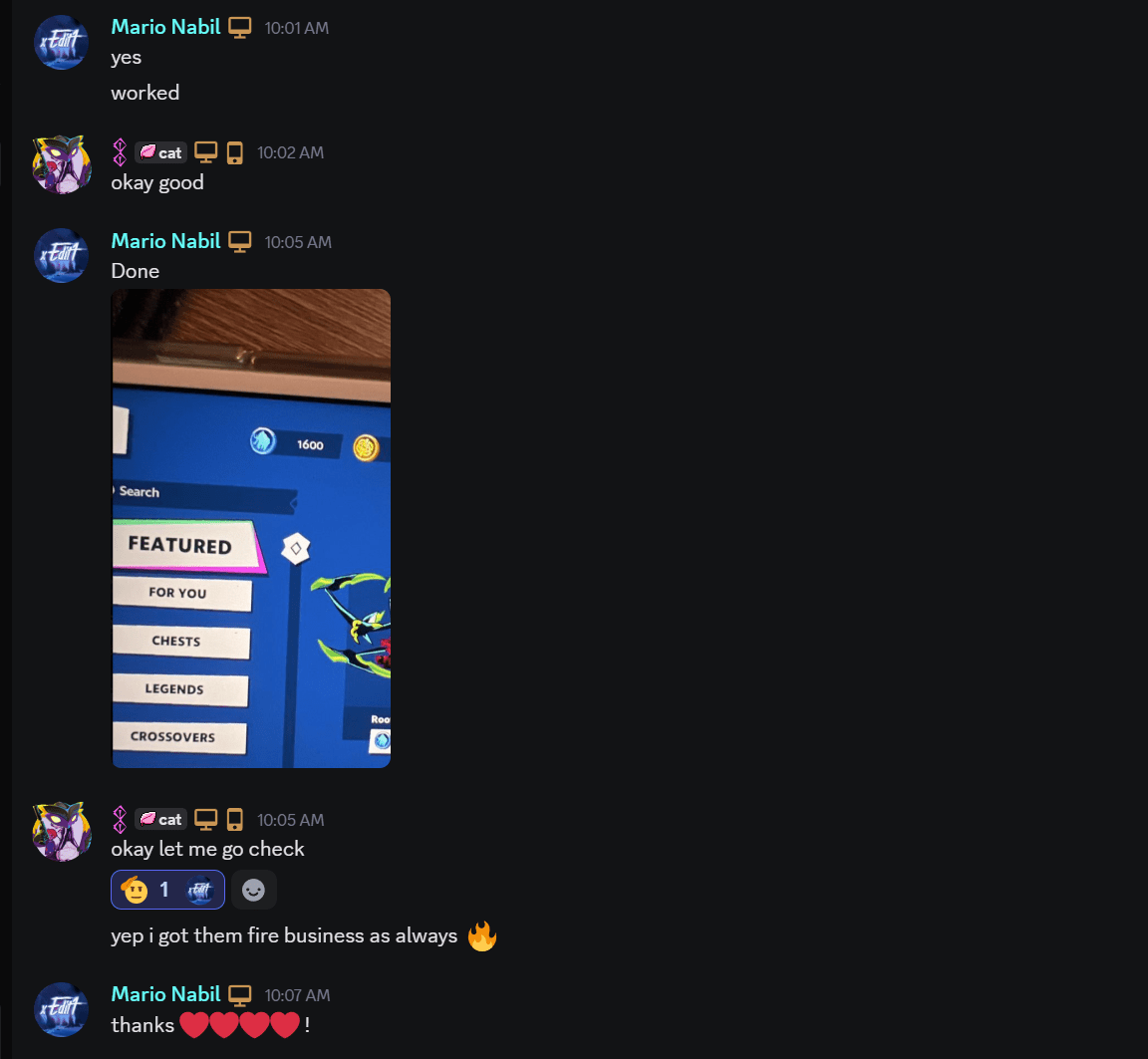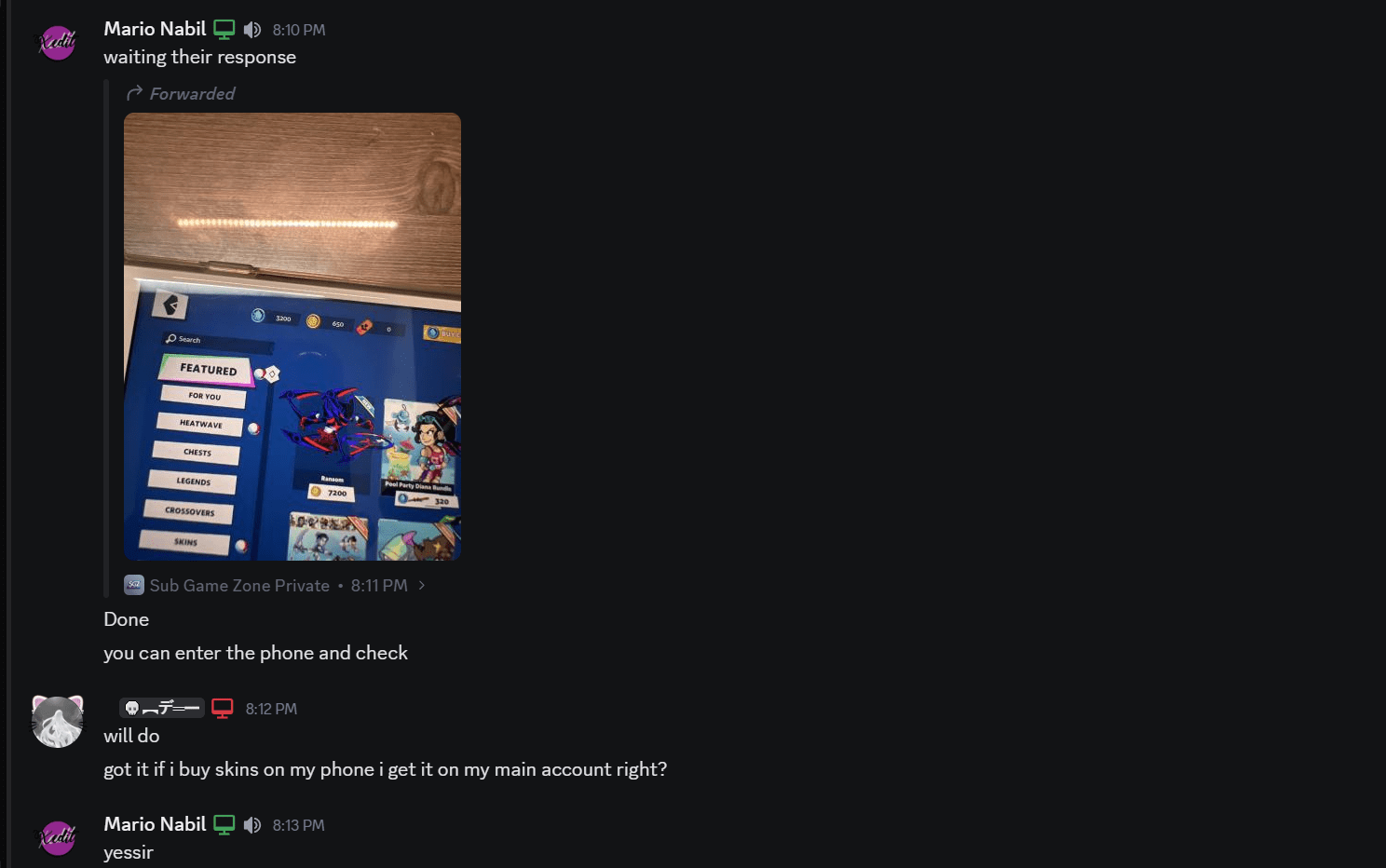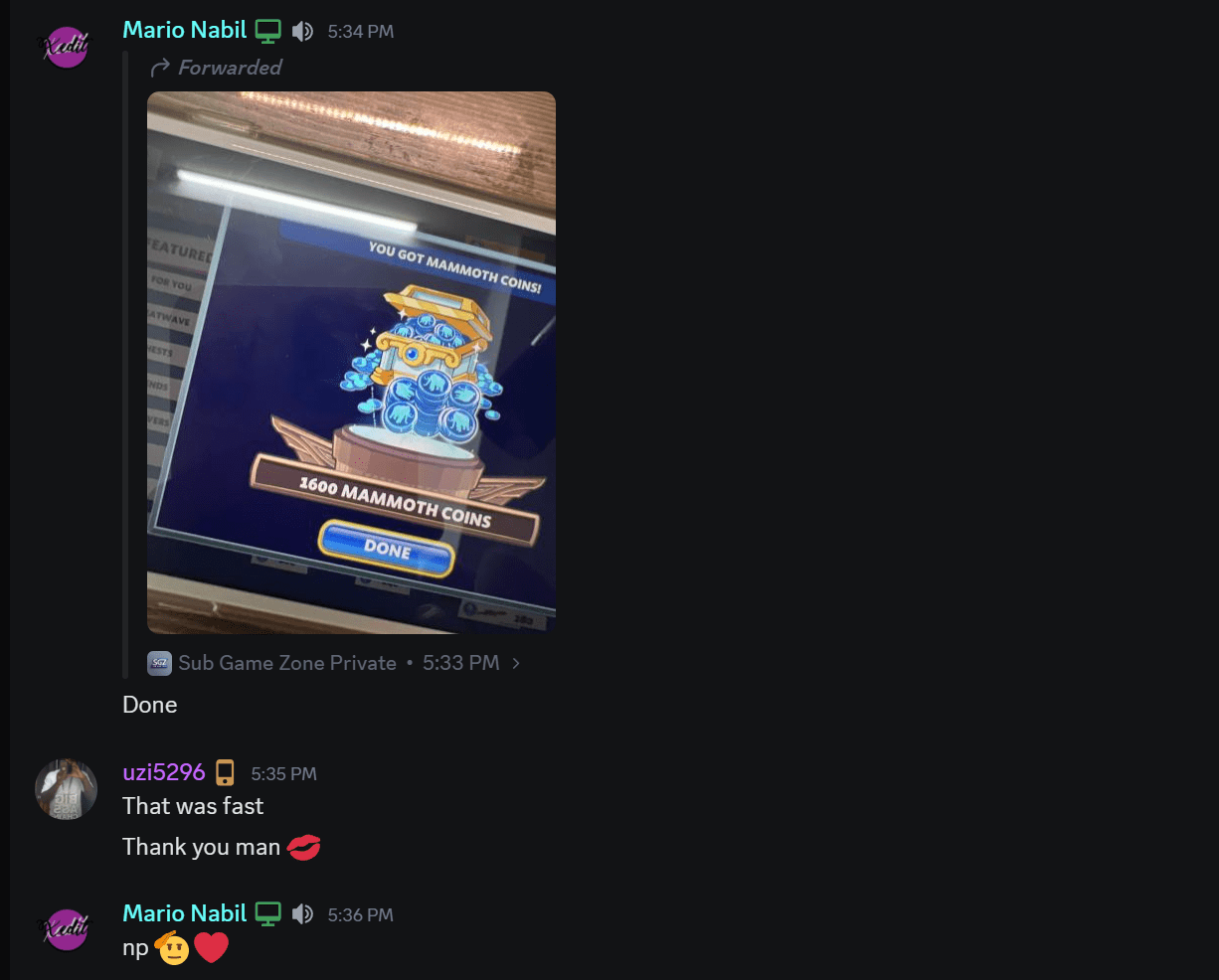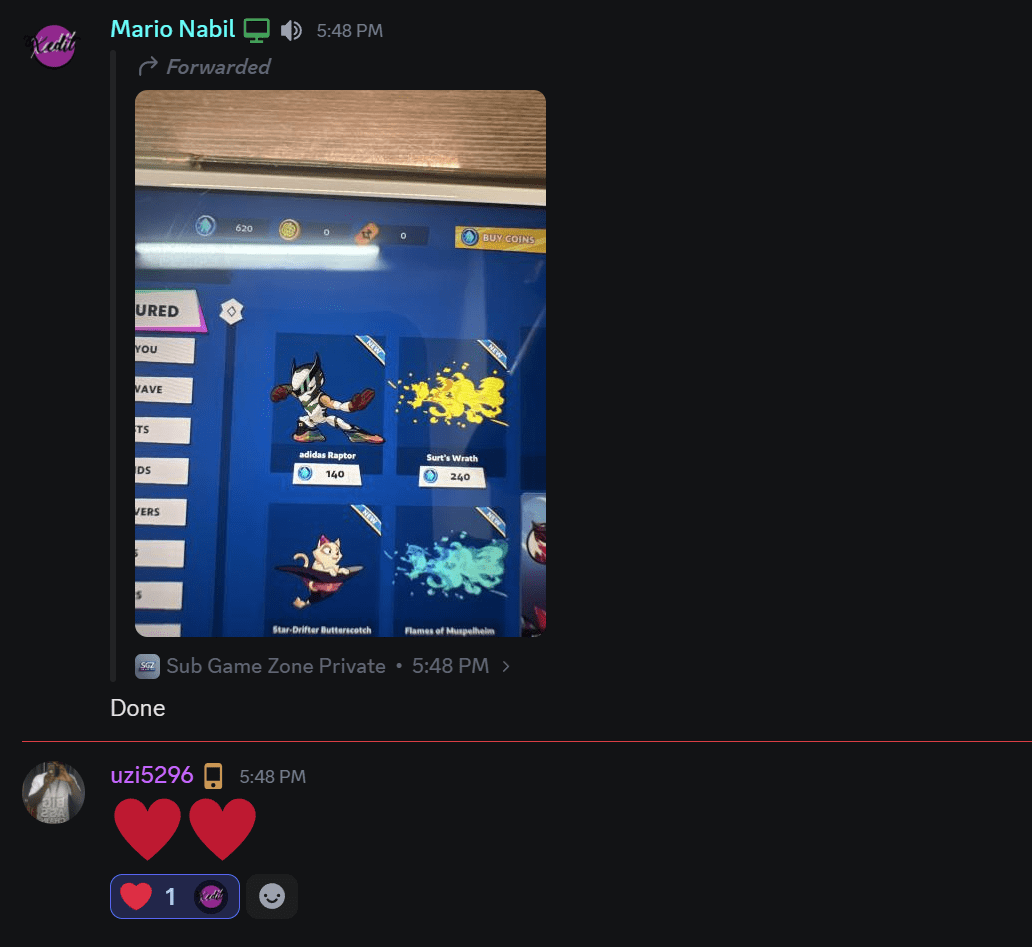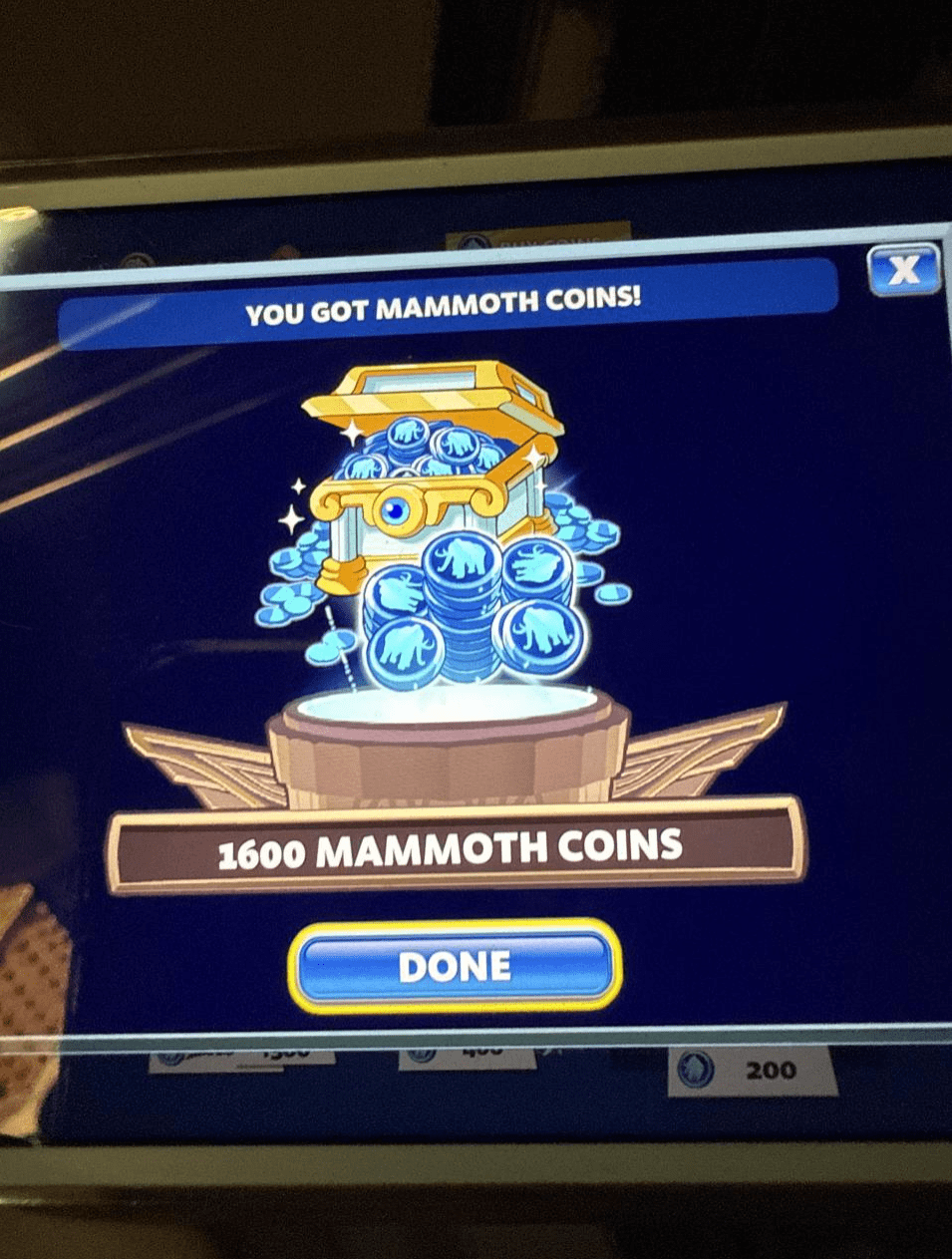





Mammoth Coins & how it works

 How will it be delivered:

We will purchase mammoth coins on Apple account

IPhone for mammoth coins

If you don’t have an Apple account or you don’t want to give your Apple ID, we will create one for you and link it to your Ubisoft account for 2.9$ (here) then we will give you the Apple and Ubisoft accounts.

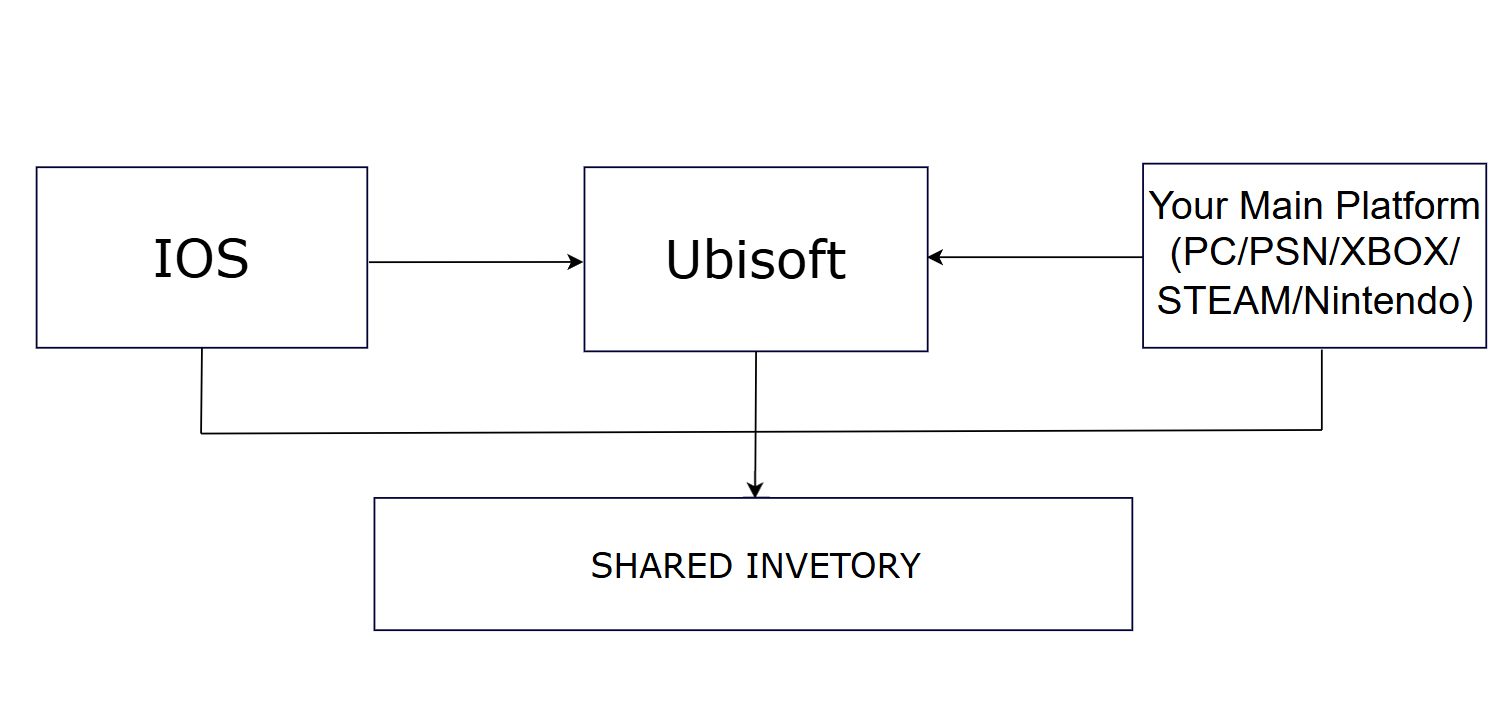
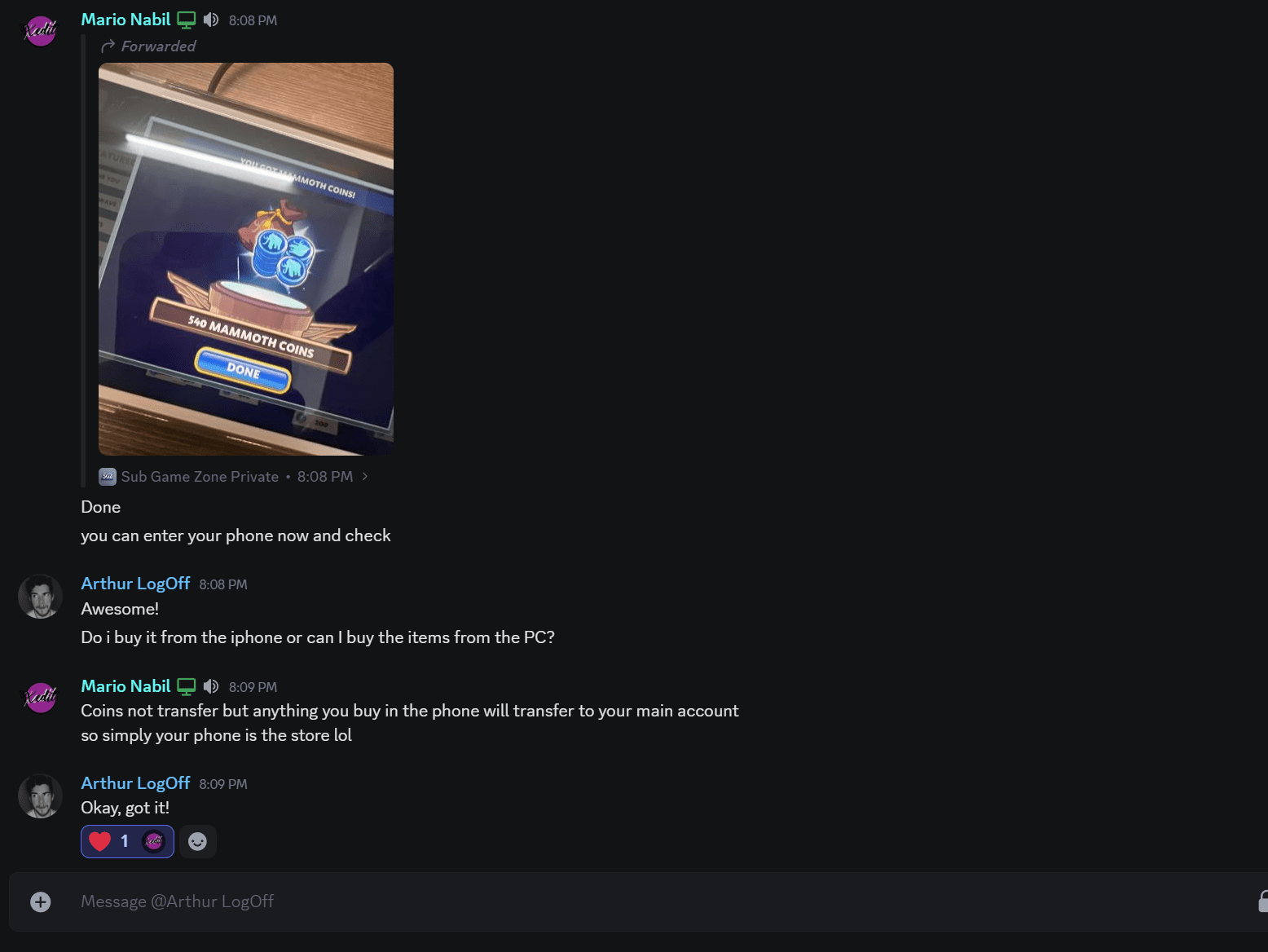
The coins do not transfer through accounts it stays in the Apple account

You either log in to the Apple account using your Apple device or you tell us what skins you want to buy

Any bought items will transfer to your main platform (Steam,Xbox,PSN and etc)

Transfer mammoth coins to main account

Process for both customers (With & Wihtout an IOS)

Process for Customers with an iOS Device:

Using Your Existing Apple ID:

  • If you already own an iOS device, we will need access to your Game Center account, which is linked to your Apple ID (iCloud account).

  • This will allow us to log in and make the necessary in-game purchases.

Link your both Apple ID and your main platform to the same Ubisoft account

  • Create an Ubisoft account if you don’t have one from (here)
  • Download Brawlhalla on your iPhone
  • To link your apple id or your another platform to an Ubisoft account you have to do these steps below:
Link an ubisoft account for cheap mammoth coins
Link ubisoft account

After click on “Link an Ubisoft account” it will transfer you to log in page to connect your Ubisoft account 

NOTE: If you used your own Apple device you need to log in to your Apple account every 30 days or the cross-progression will expire

Security Note:

  • If you are concerned about your personal information, rest assured that the Apple ID will only be used for the purposes described. You will have full control over it once the process is complete.

Process for Customers Without an iOS Device:

Extra $2.9

– You pay $2.9 more and we make an Apple ID/iCloud for you (here).

This is ONE TIME PURCHASE, you can use the same Apple ID/iCloud for next time.
– We give the account back to you so you can change the info and make it yours.
– This keeps it safe and only yours.

What You Pay For

– You only pay for the Mammoth Coins (MMC) and send us the Ubisoft login credential to link.

– We handle everything else

  • Buying coins on the iOS device.
  • Linking the account to your Ubisoft.
  • Making sure the link stays alive every 30 days.
  • Or Do It Yourself
    – If you want, you can use the Apple ID/iCloud we send back to do all the steps by yourself.
  • We will link your Ubisoft account to this newly created Apple ID to ensure that the purchased items are accessible from your main account.
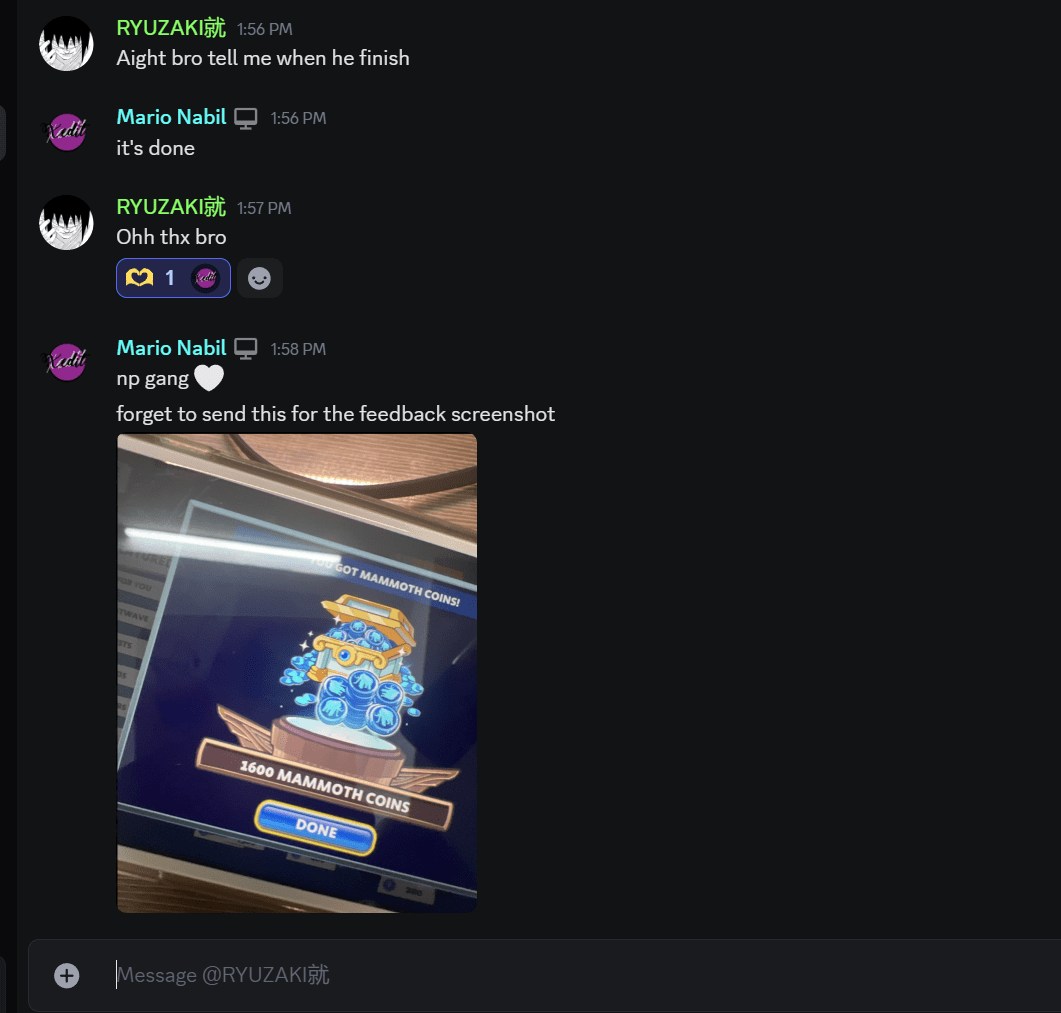
  • Once completed, you will receive the Apple ID credentials for future use, in case you acquire an iOS device later.

Maintenance and Additional stuff:

  • We can assist in purchasing skins when you buy coins. However, if you wish to purchase skins without buying coins.

Make Skins Appear on Your Other Account 

How Make Skins Appear On My account? ⭐

  • to receive everything on your main account you have to activate the linking in Brawlhalla.

  • Open Brawlhalla on your main platform (steam,psn,etc) and follow these steps below

After click on “Confirm” the game will be offline, Just click on “play” to go back to online
Option for Added Security: 🔐

  • For those concerned about privacy, you can create a new Apple ID exclusively for this purpose. This way, your primary account and personal information remain entirely secure.
  • After the purchase, you will have complete control over this new Apple ID.
     
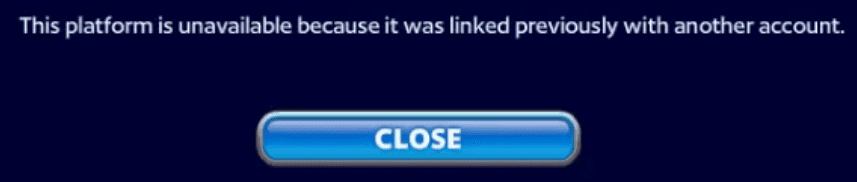
    if they already have an ios account linked to their main platform, use it to buy coins, otherwise they will get this error. And there’s no way to fix it yet


But Note about Linking iOS Accounts

  • If you unlink an old iOS account and then try to link a new one, you might see this error: This platform is unavailable because it was linked previously with another account.” This is a problem from Brawlhalla/Ubisoft, not something we can fix. The only solution: link back to your old iOS account. That will remove the error.

Note: Our Mammoth coins team is Available from 7AM to 10pm in Gmt + 7 or Vietnam time zone 

  • you can check what’s the timezone from (Here)

Summary:

  • Without iOS Device: We create an Apple ID, link it to your Ubisoft account, make the purchase, and provide you with the credentials.

  • With iOS Device: You provide your Game Center/iCloud details, or create a new Apple ID for the purchase.

❔ FAQ ❔

How long it takes to receive the mammoth coins?

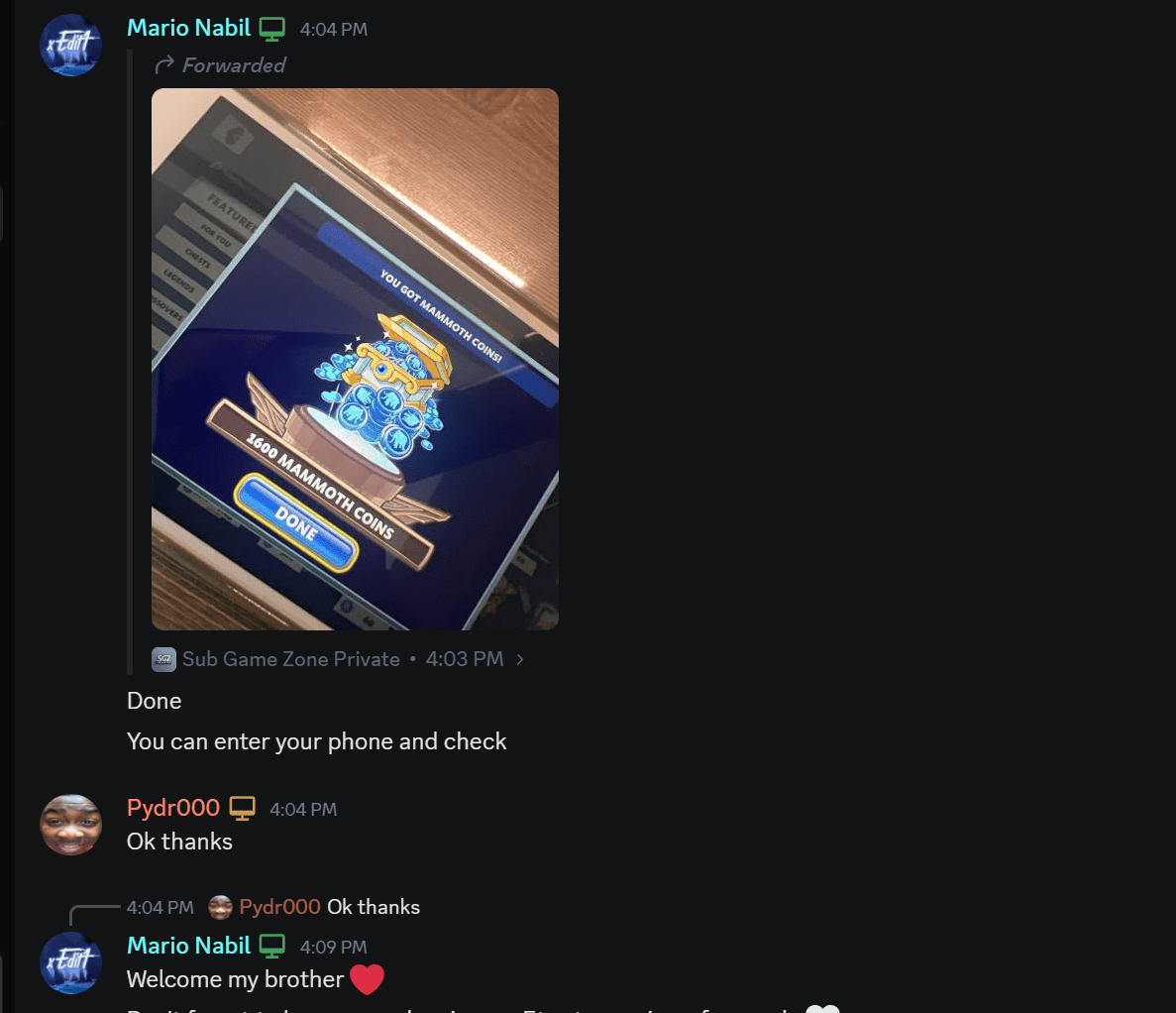
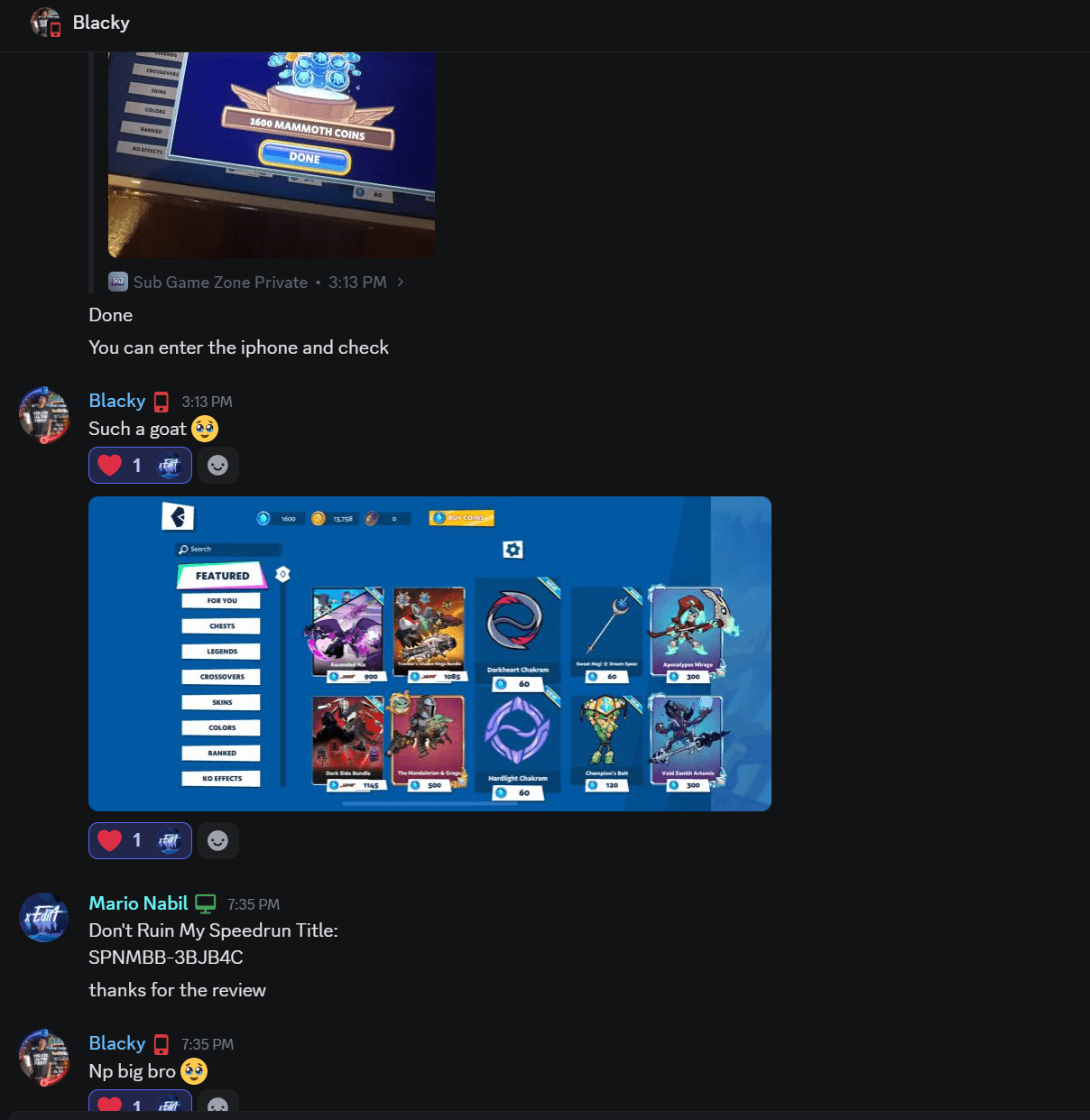
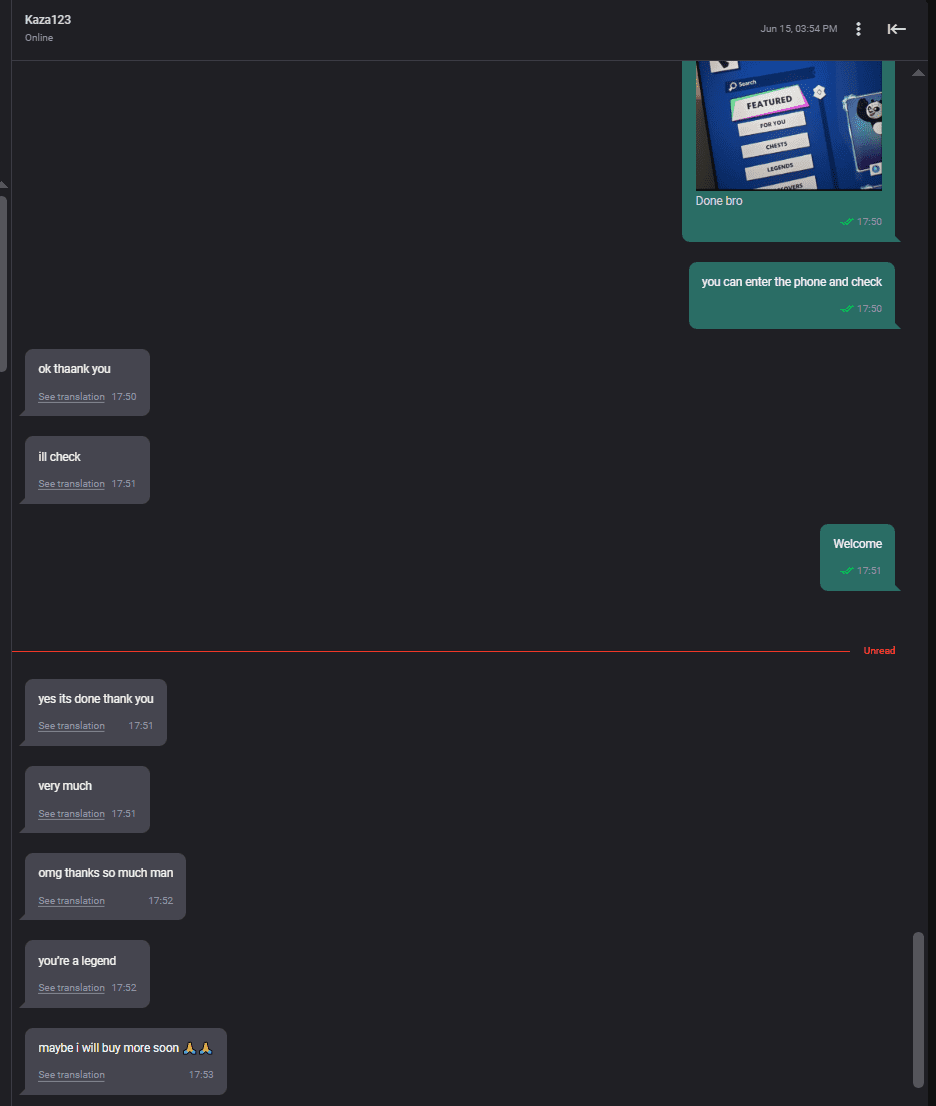
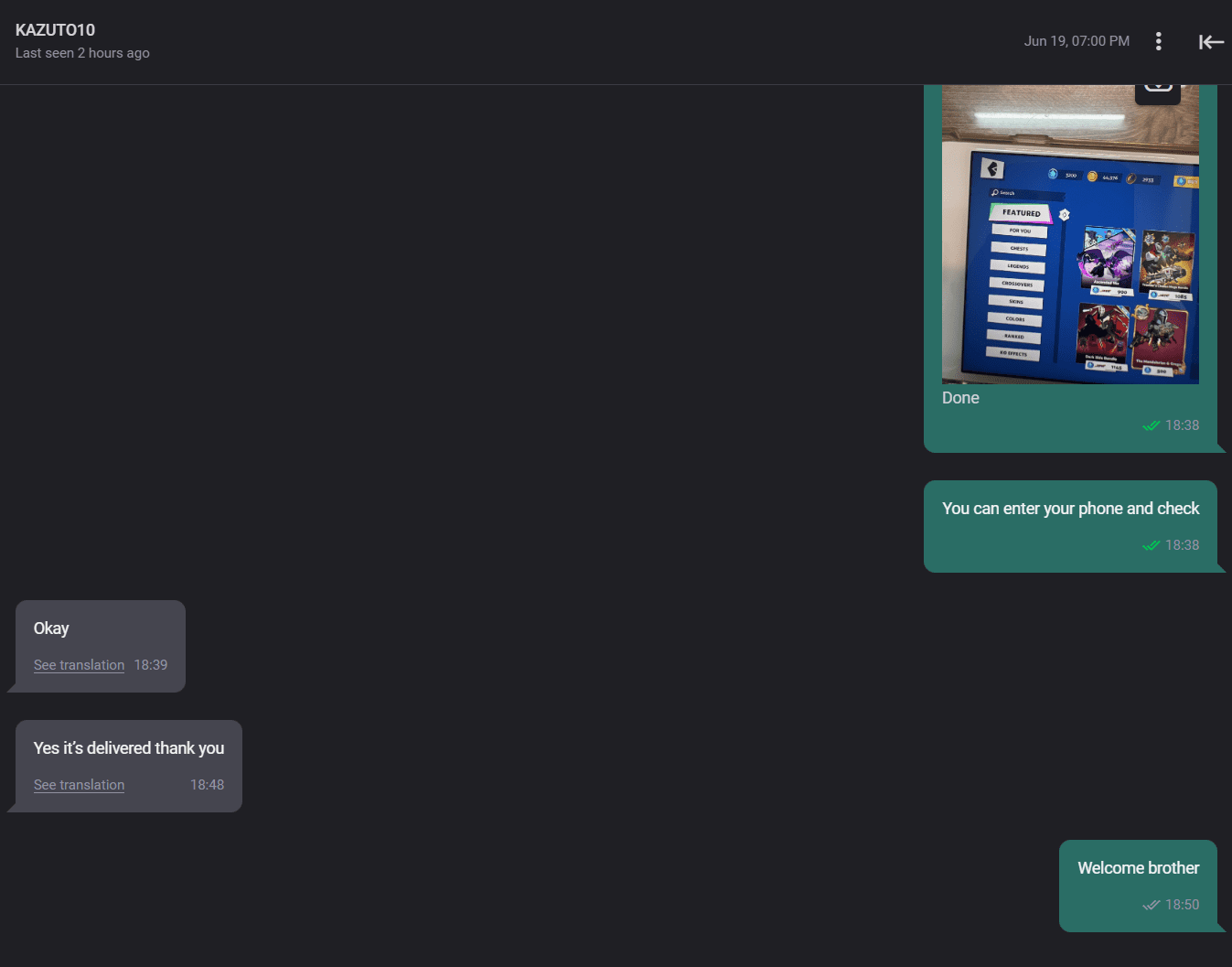
It takes 5-10 Minute after starting your order

Will cheap top-ups get my account banned?

No. In over 3 years of providing this service, not a single account has ever been banned or suspended by Ubisoft for buying Mammoth Coins at a discounted price. We always follow the developer’s rules and use the official purchase methods.

Can I lose my account when topping up?

No. Your account is completely safe. All your login details — including iCloud/Apple ID and Game Center — are used only to complete the transaction and are kept secure during the process. We never share or leak your personal information to anyone.

Is it safe to give my iCloud/Apple ID if it has personal data?

Yes. Safe. The iCloud/Apple ID access is only used to log in to Game Center and open Brawlhalla on iOS. We do not access your email, photos, or any other private data.

You Can also Get Cheap Battle Pass:

Disclaimers:
– ‘Brawlhalla’ and ‘Ubisoft’ are NOT involved with this listing.
– Ubisoft EMEA have no association with this sale.
– This sale is not affiliated, associated, endorsed by, or in any way officially connected with Brawlhalla or Ubisoft EMEA, or any of its affiliates.

Contact Us

If you have any questions about this Mammoth Coins , You can contact us:

Vouches

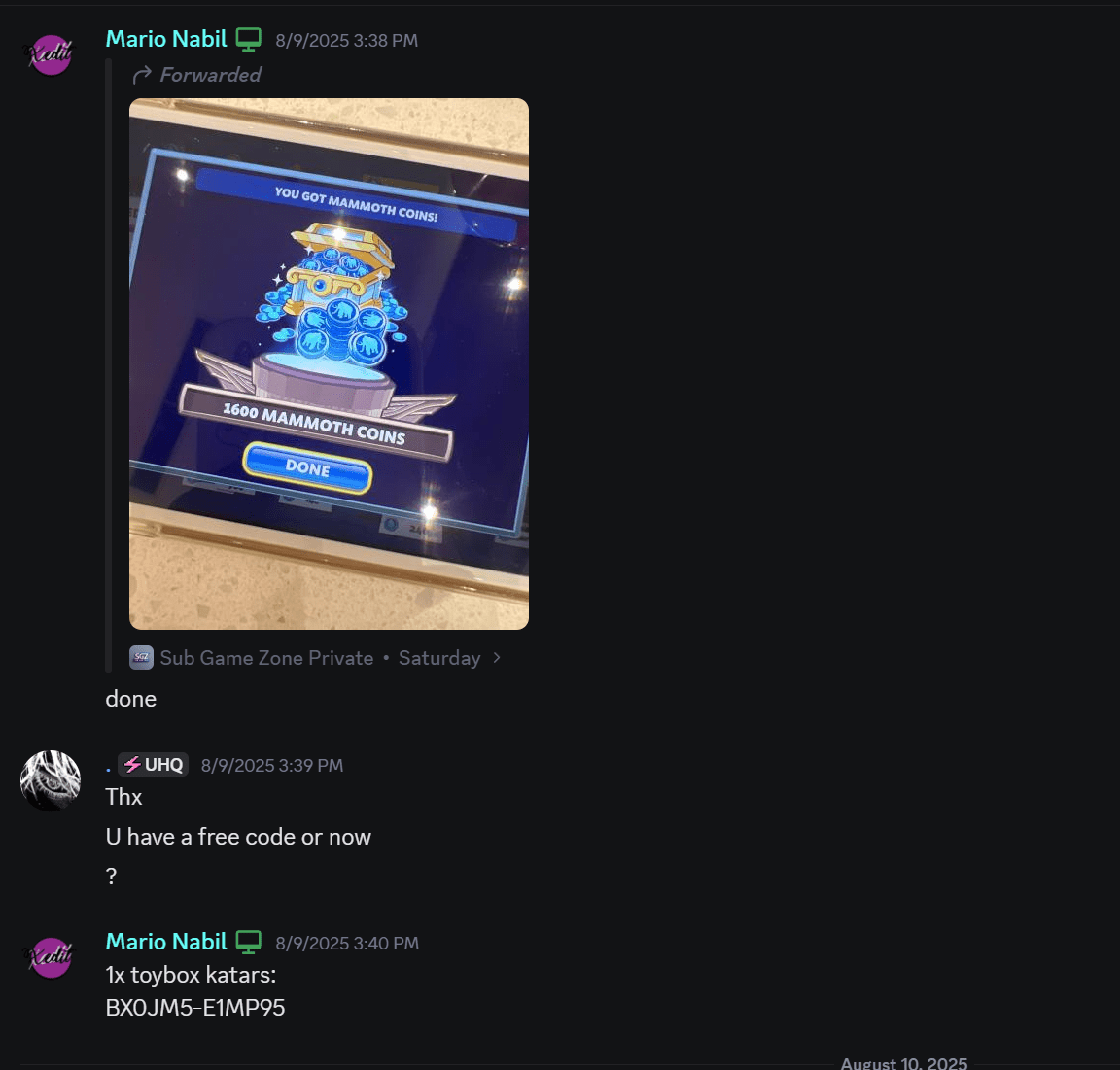
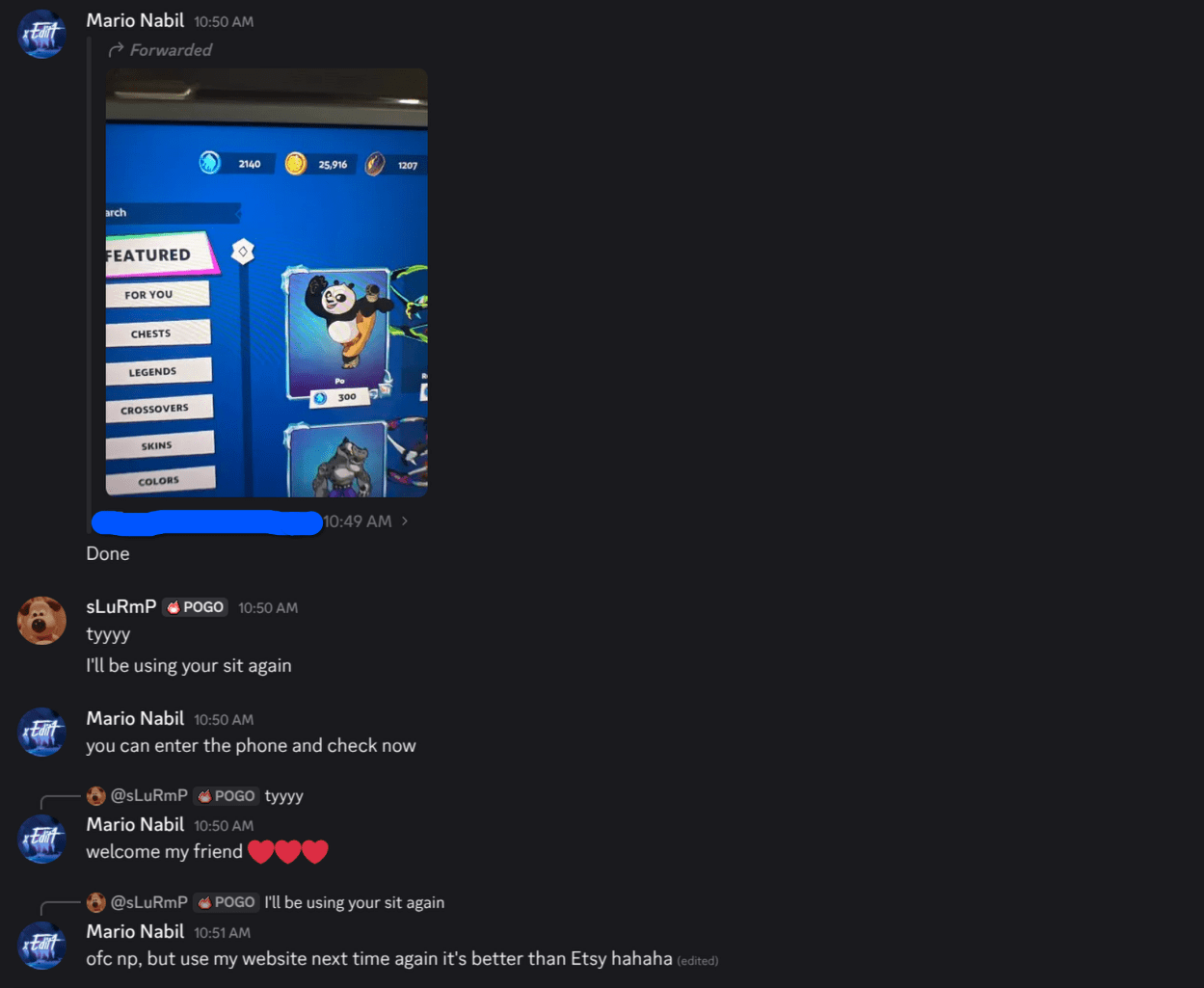
View some of recent orders

Shopping cart

0
image/svg+xml

No products in the cart.

Continue Shopping